The problem: your X100VI turns on in your bag
If you own a Fujifilm X100VI, you probably know the feeling. You reach for your camera and discover it’s been on the whole time — the battery is dead, and the SD card is full of accidental blackout video. The accidental power on is one of the most common complaints about the X100VI, and the resulting battery drain can ruin an entire day of shooting.
The moment
There’s a specific kind of frustration that only emerges after you’ve lived with something for a while. Not the frustrations you notice on day one — those are obvious. The ones that surface after months of actual use, in actual life.
I drove from Stockholm to Chamonix in the French Alps. Long trip. The X100VI came along, obviously. I shot along the way — rest stops, gas stations, the quiet moments between destinations.
Somewhere in Germany, the camera went into the glove box. When we arrived at the foot of Mont Blanc, ready to capture the “we made it” moment, I pulled it out.
Dead.

The “we made it” photo happened on my iPhone. Not ideal.
Later that evening, I charged the camera and discovered the second punchline: the SD card was full. The camera had switched itself on somewhere in the glove box and recorded a two-hour blackout video. Just darkness. The occasional sound of the road.
It wasn’t dramatic. It was just… stupid. A small, irritating, preventable thing.
The denial phase
I told myself it was a one-time thing. Bad luck. I’d be more careful.
I wasn’t more careful. It happened again. Not the road trip drama — just the smaller version. It was always the same story, and it didn’t matter if the camera was in the bag, over the shoulder, or in my pocket. The Fuji turns on, maybe snaps a dark few pictures, or records a video. You never know, do I have charge in the battery?. Over and over.
I tried the things everyone tries. Being extra deliberate about how I pack it. Wrapping it in a cloth. A brief masking-tape era that I’m not proud of.
None of it stuck. Tape leaves residue. Habits fail when you’re in a hurry. And the more “solutions” I added, the more friction there was between the camera being in my bag and the camera being in my hand.
The problem wasn’t going away. The problem needed a real fix.
Why tape, rubber bands, and pouches don’t work
Before building the Power Switch Lock, I tried everything. Masking tape leaves residue and peels off in humid weather. Rubber bands slip and block the viewfinder dial. Neoprene pouches add bulk and slow down your draw. The power switch needed a dedicated, snap-fit solution.
The sketch
The idea was simple: a small clip that holds the power switch in the OFF position. Snaps on when the camera goes in the bag. Snaps off when I’m ready to shoot.
No tape. No adhesive. No modifications to the camera. Just a piece of plastic that does one thing.
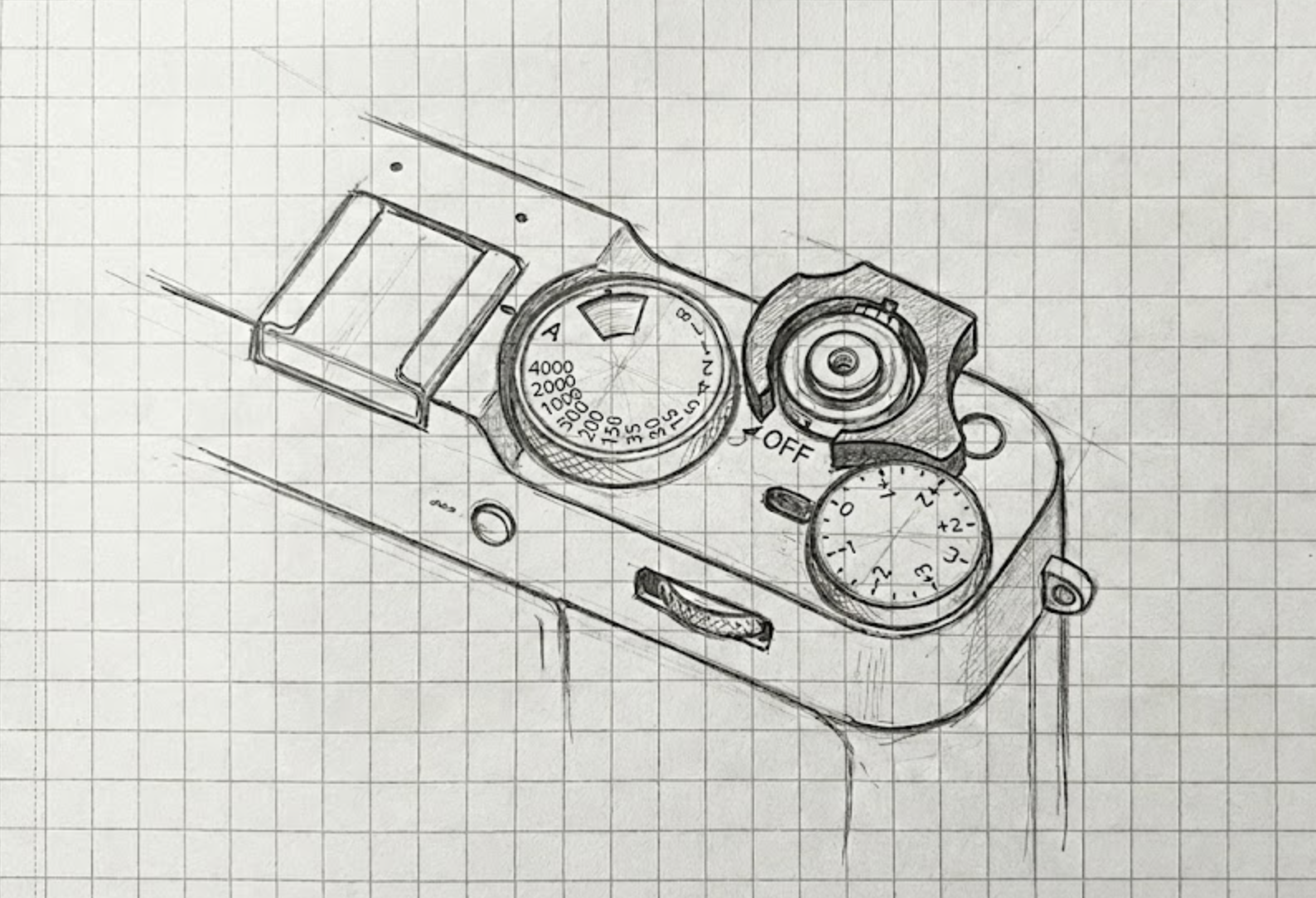
I sketched it on paper first. Then moved to Shapr3D on the iPad. Started modeling the geometry of the camera — not the whole body, just the area around the shutter dial and power switch.
The first shapes were rough. Just enough to see if the concept made sense.
The humbling part
I assumed this would be straightforward. Small part, simple function. How hard could it be?
Harder than I expected.
The tolerances matter enormously. Too tight and it’s hard to install, or worse, it stresses the camera body. Too loose and it doesn’t hold the switch. The sweet spot is narrow.
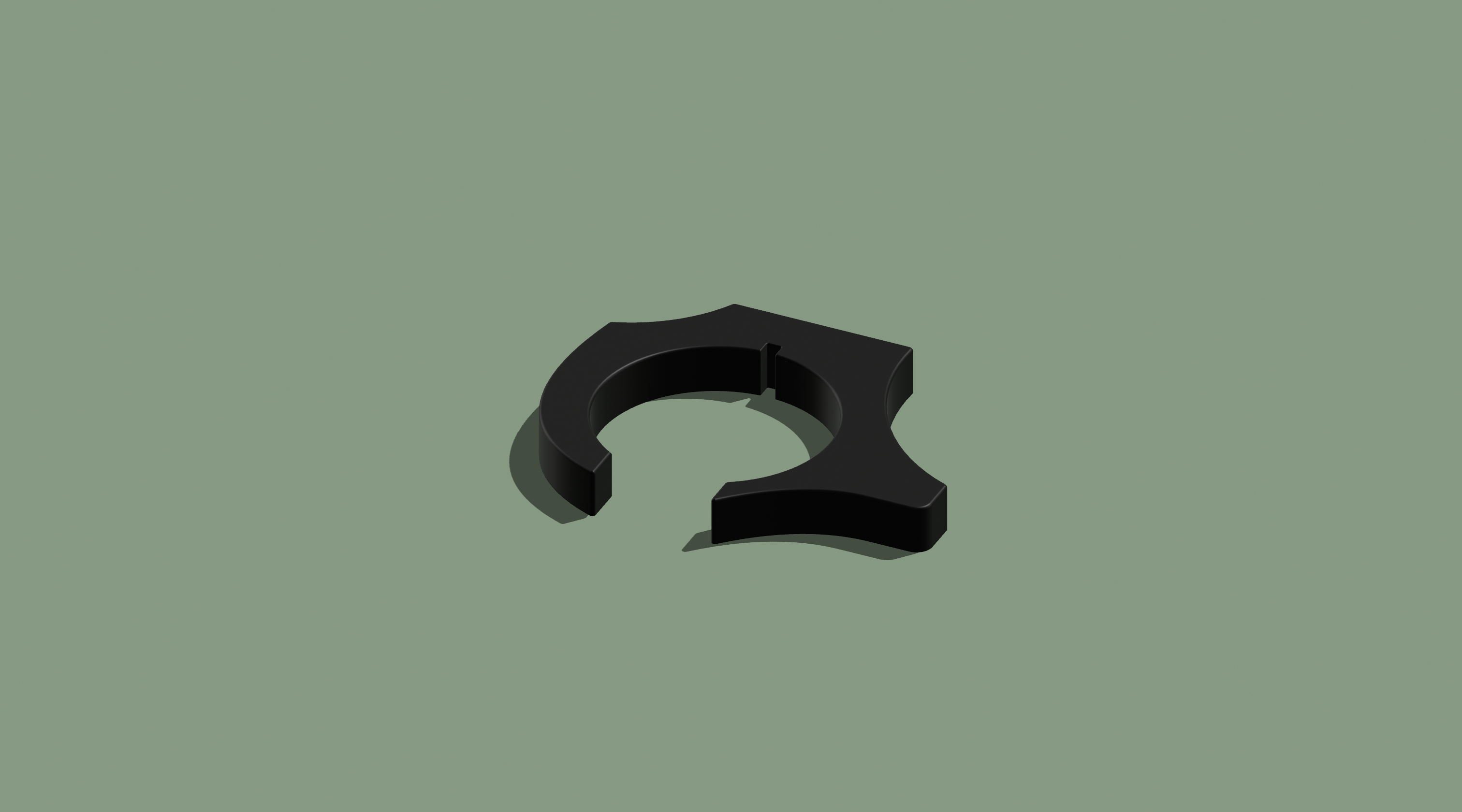
The snap-fit mechanism had to feel right. Secure enough that it wouldn’t pop off accidentally. Easy enough that you could do it one-handed, in a hallway, on the way out the door.
The surfaces that touch the camera had to be smooth. No sharp edges. Nothing that could leave a mark.
I printed the first version. It worked — kind of. The switch stayed off. The clip stayed on.
And then I kept losing it.
The obvious thing I missed
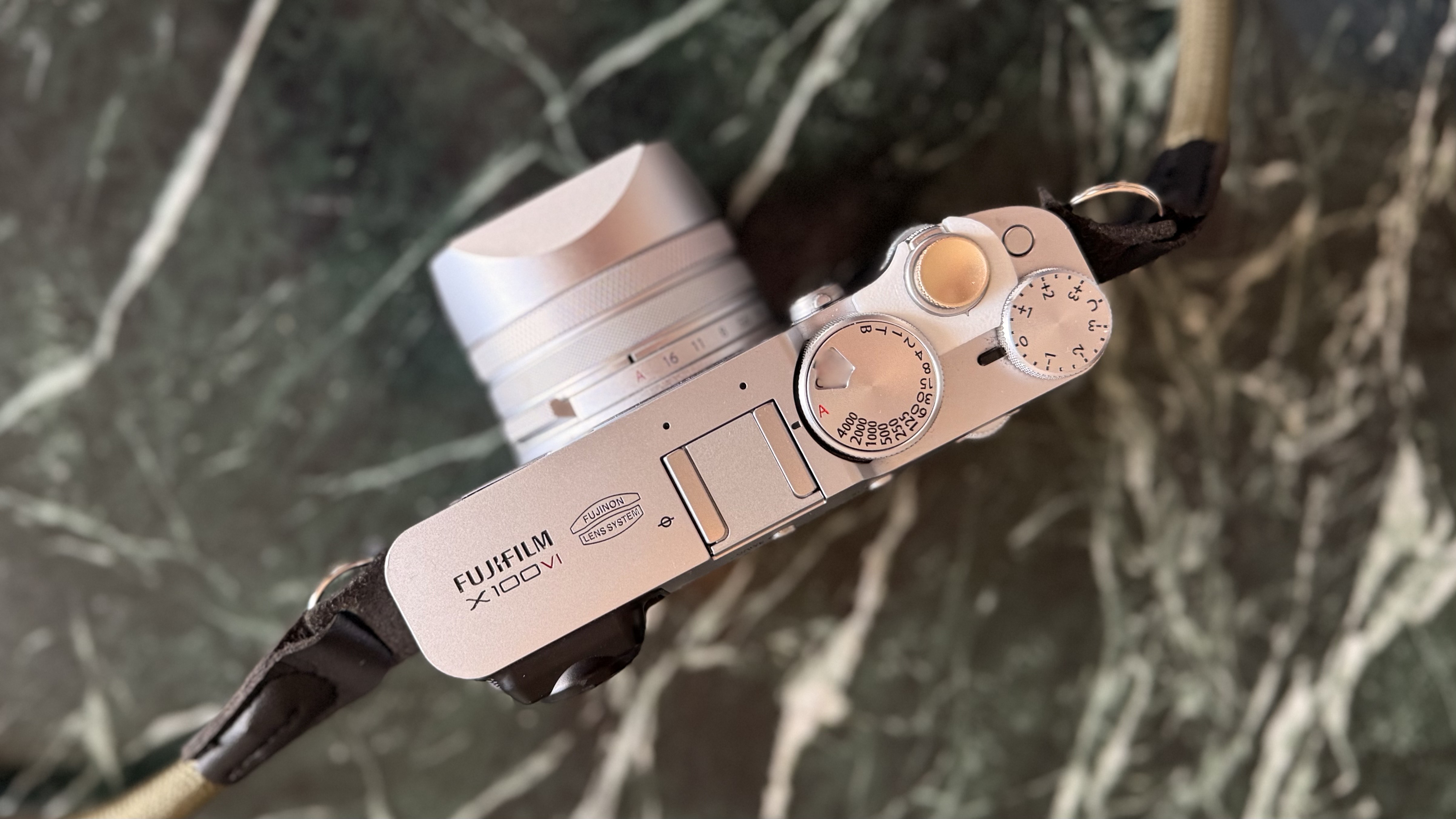
A functional part that you can’t find is not functional.
I’d take the clip off to shoot, put it in my pocket, and then… where did it go? Somewhere in the bag. Somewhere in the car. Somewhere in the apartment, probably.
The fix seems obvious in retrospect: an attachment point. A small loop so you can tether it to the camera strap. The clip stays with the camera instead of wandering off.
I added it. Problem solved. But I felt a bit dumb for not thinking of it from the start.
The iteration grind
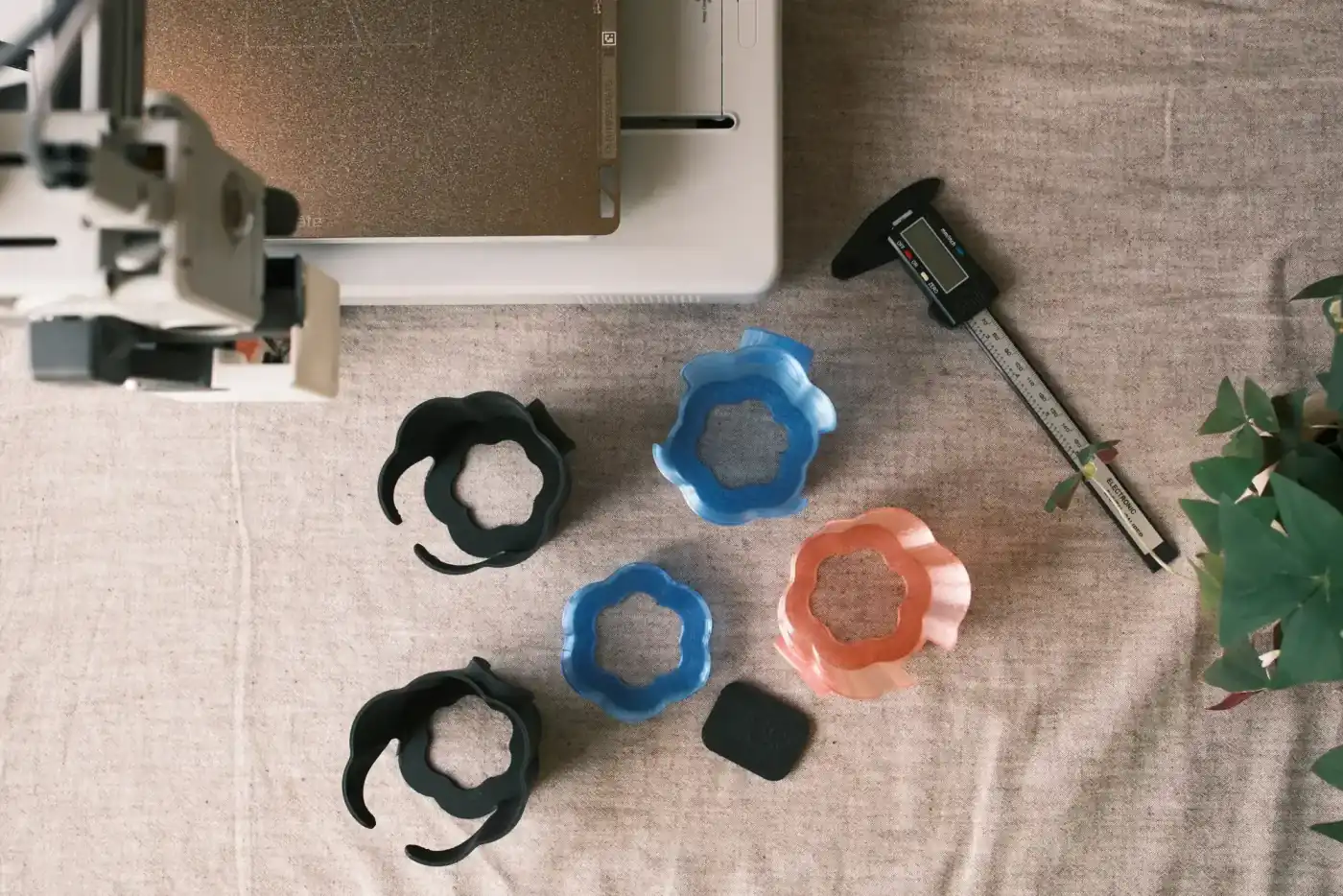
This is the part that doesn’t make for exciting storytelling. Printing. Testing. Adjusting. Printing again.
Half a millimeter here. A slightly different angle there. A snap point that looks identical but behaves completely differently.
I printed maybe fifty versions before the matte black felt right. Then I tried transparent filament and had to start over — transparent plastic behaves differently. Expands more. Shows imperfections more. Needs different temperature and speed settings.
Over a hundred prototypes for transparent alone. Not because I enjoy the process (I mostly don’t), but because the final thing needs to actually work. And “almost works” isn’t good enough for something I’m going to sell.
What I learned about printing
Snap-fit parts are unforgiving. You’re not printing a shape — you’re printing tolerances.
The first layer matters enormously. A slight “elephant foot” at the base and the part won’t fit. The flow rate matters — too much and the part grows slightly, too little and it’s weak. The cooling matters — too aggressive and the layers are brittle, too gentle and details soften.
Every printer has a personality. Every filament batch is slightly different. You dial it in, and then something changes, and you dial it in again.
I’m not going to pretend I have it perfectly figured out. But I’ve gotten to the point where I can reliably produce parts that fit the way they should. That took longer than I expected. If you’re curious about the tools and techniques behind our work, take a look at our manufacturing process.
What it actually is
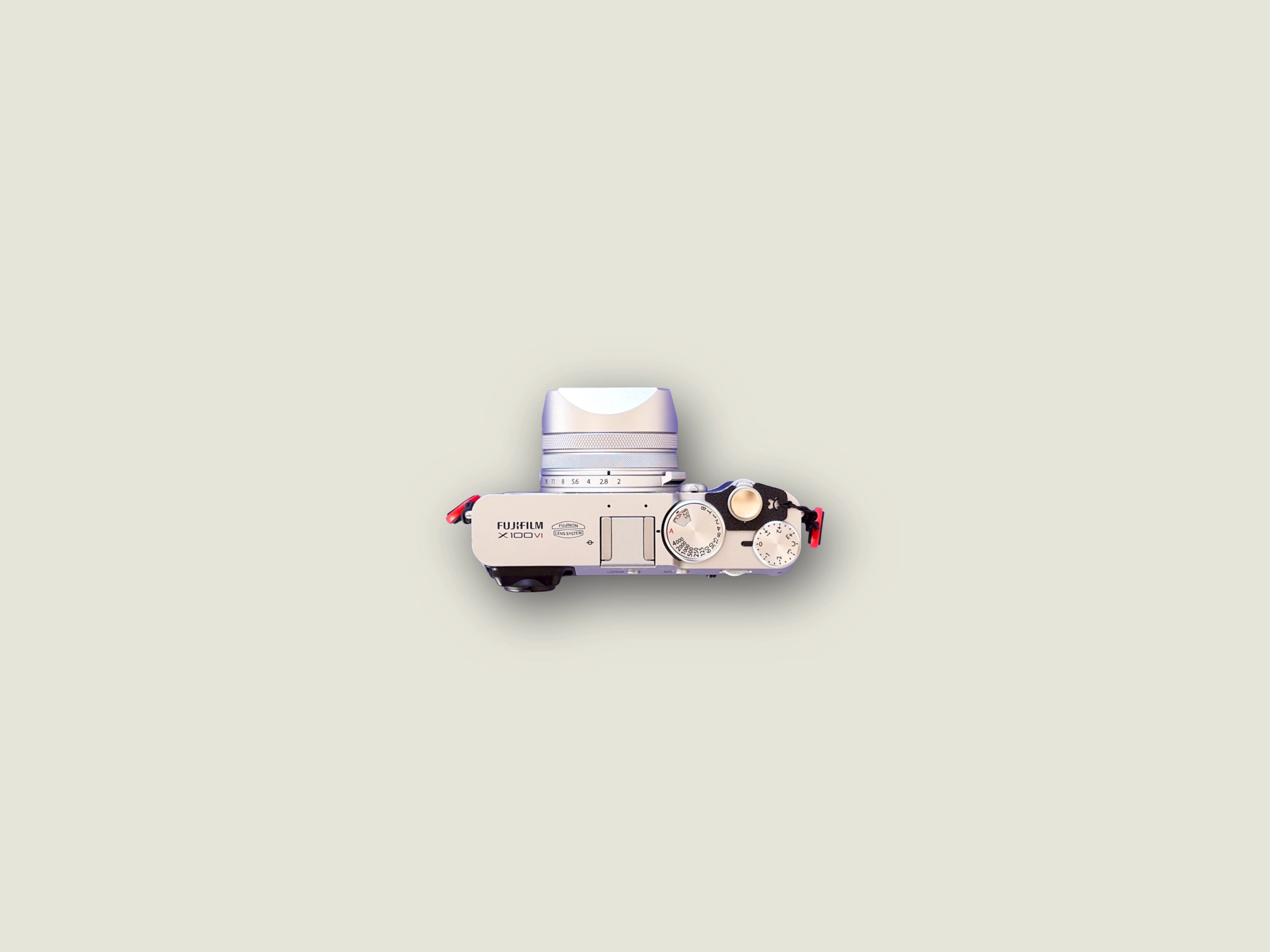
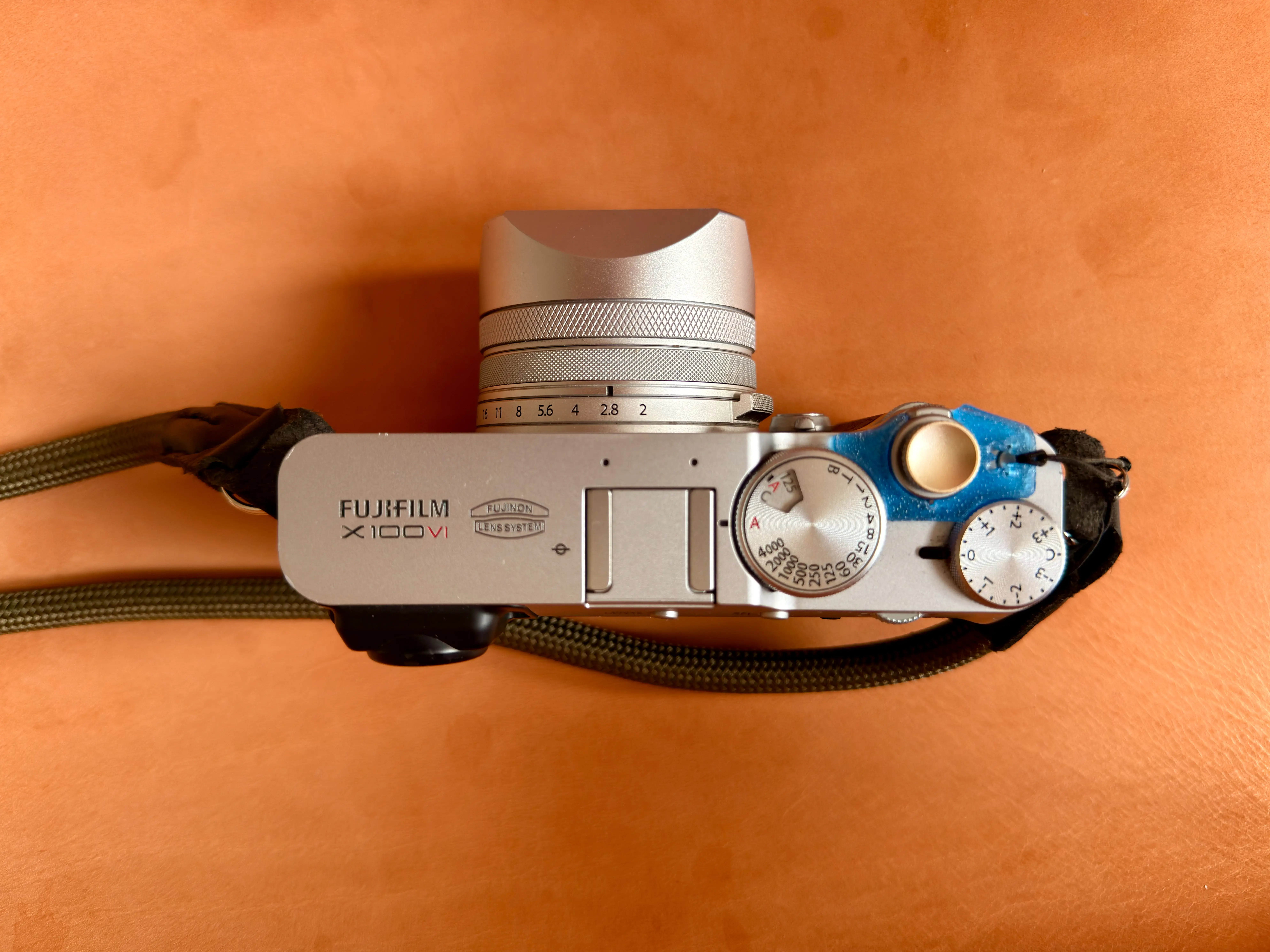
A small clip with a very specific job: prevent the X100VI from turning on when it should stay off.
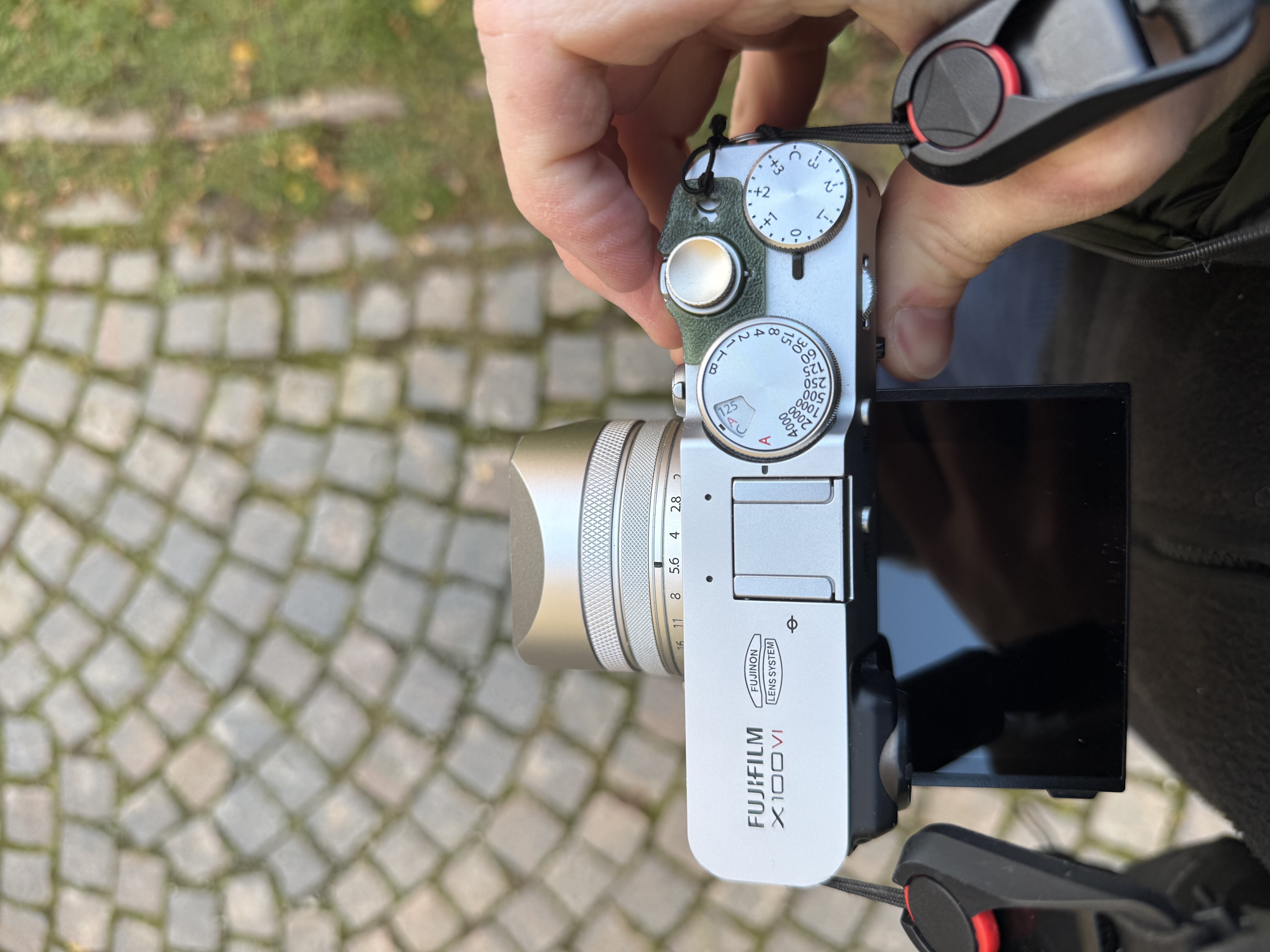
It snaps on in a few seconds. Snaps off even faster. No tools. No residue. The elastic cord keeps it tethered to the camera so it doesn’t disappear.
That’s it. One thing, done properly.
The honest reflection
I didn’t set out to start a product business. I set out to fix a problem I had with my own camera.
The fact that other people have the same problem — that there’s apparently a market for “small clip that keeps the X100VI switch off” — was a surprise. A pleasant one, but still a surprise.
I use this clip every day. It’s on my camera right now. The problem it solves is small, but it was annoying me constantly. Now it doesn’t.
That’s the whole story. A frustration, a sketch, a lot of failed prints, and eventually a thing that works. Have questions about fit or compatibility? See our full FAQ.